
Choose an activity
Read, play music, go for a walk, or choose something of your own.
Explore activitiesTurn the things you actually want to do into screen time you can enjoy. Yoga. Music. Walking. Cleaning. Anything you choose.
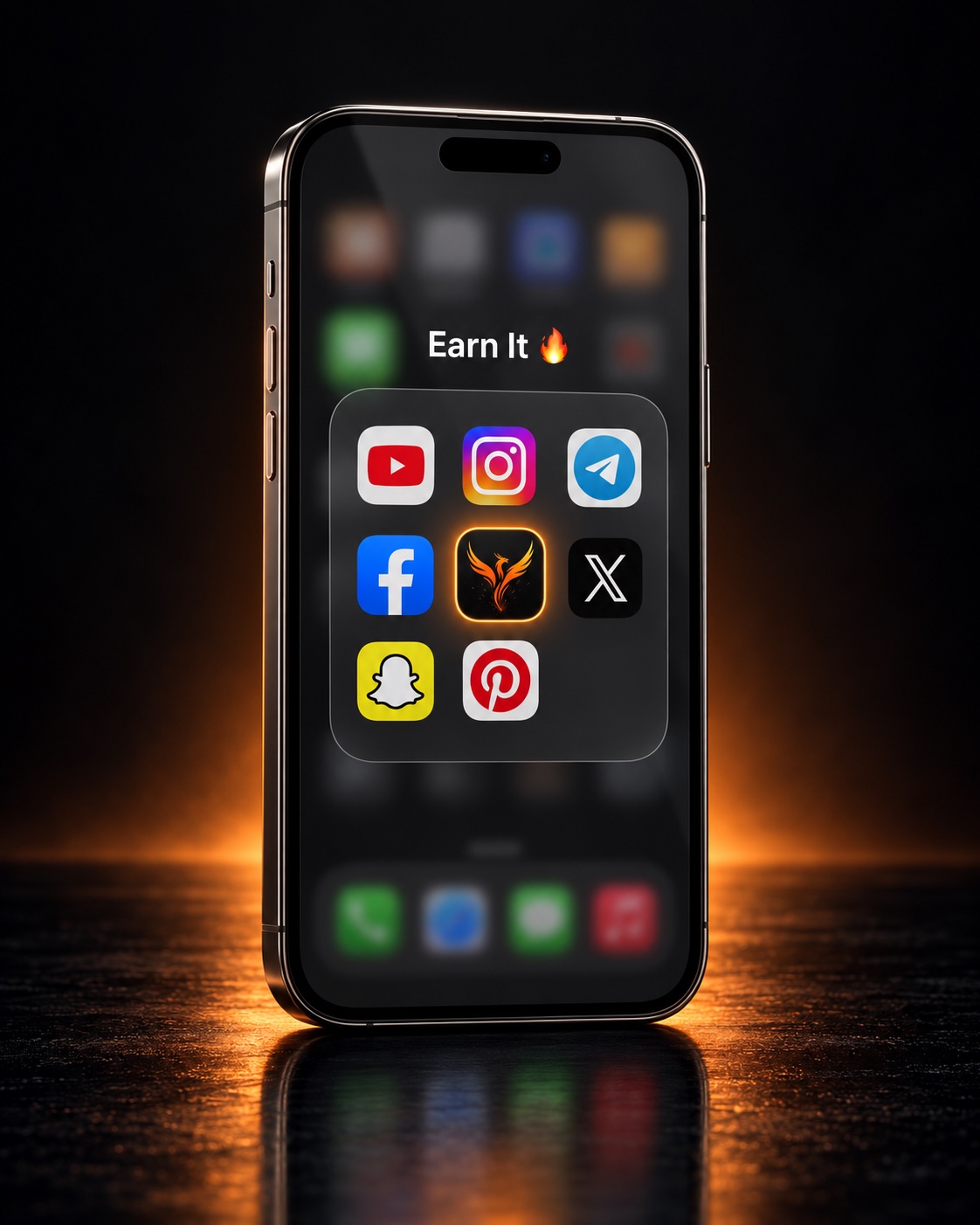
Choose an activity. Scan your sticker. Earn time for your apps.
SCAN → DO → SCAN → EARNIllustrated app concept
Choose something you enjoy. Here are a few ideas.

Practice a song or learn a few chords.
Read a book you enjoy.

Go for a walk outside.

Take a few minutes to sit and breathe.
Tap an activity to try placing and scanning a sticker.
Use the same sticker to start and finish an activity.
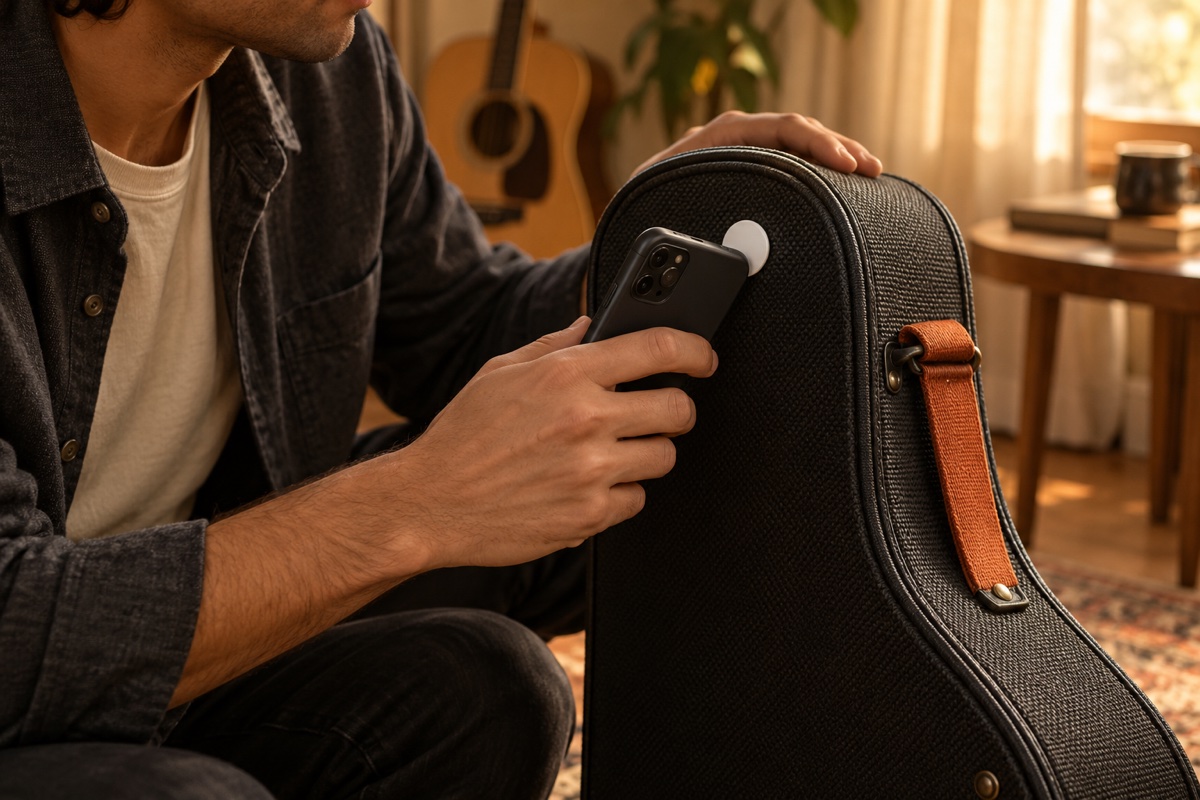
Start with the sticker connected to your activity.
Put your phone down and spend time on what you chose.
Return to the same sticker when your time is up.
Use the time you earned for your selected apps.
Choose what you want to spend more time doing.
Read, play music, go for a walk, or choose something of your own.
Explore activities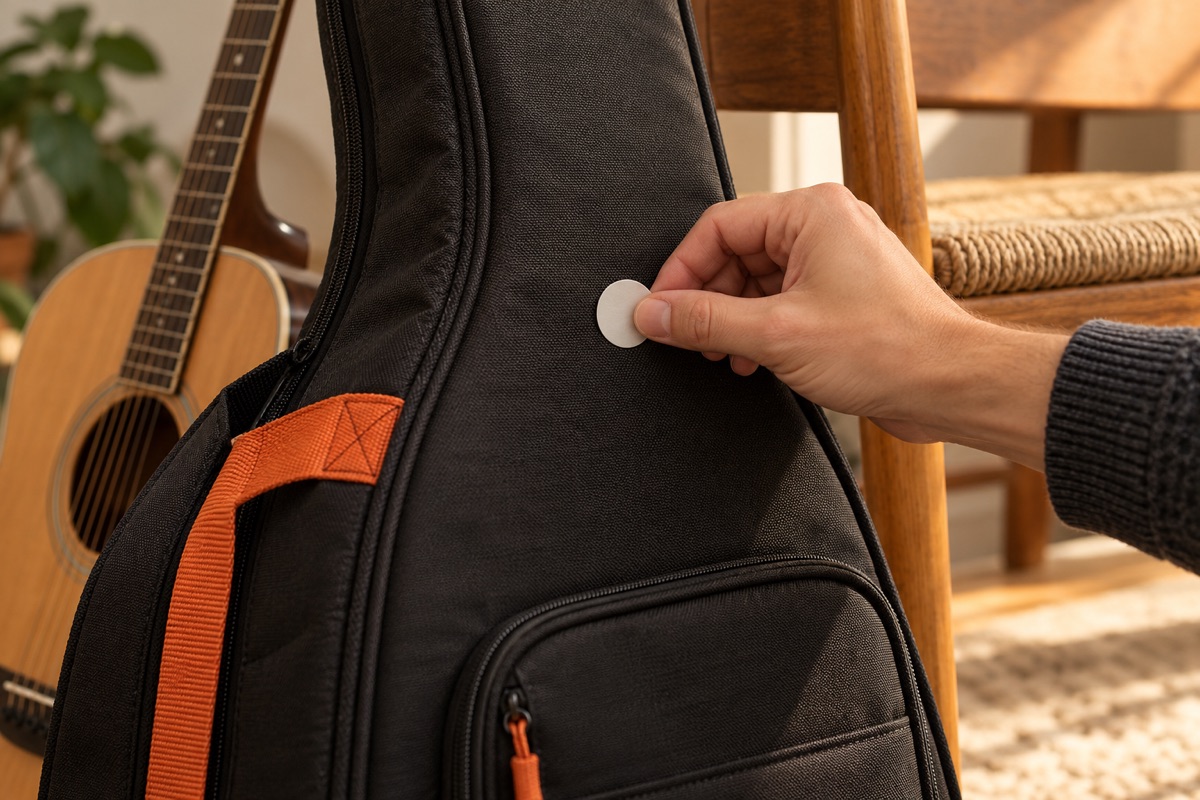
Connect a sticker to your activity and scan it at the start and finish.
See the sticker guide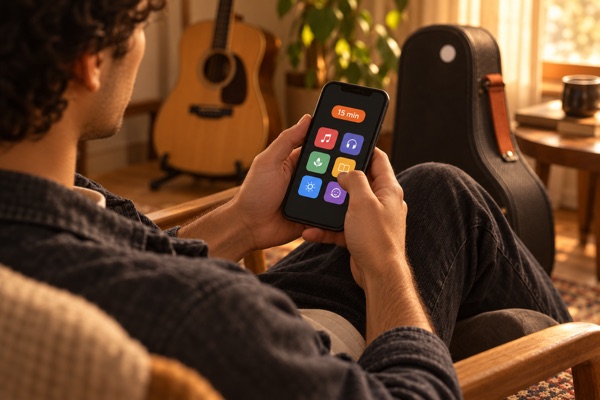
Choose a daily limit for your selected apps. Decide how much time is available straight away and how much you want to earn through activities.
Try an example below. It won’t change your phone settings. Final app settings may differ.
15 minutes available from the start + 45 minutes to earn = 60 minutes a day.
An NFC sticker is a small tag your iPhone can read. Pair it with an activity in FLINT, then scan it to start and finish.
Put it on your guitar case, a book, or near your yoga mat.
See the sticker guide →Supported stickers are still being tested. Check compatibility before buying.
Some useful details about FLINT and stickers.
It’s a small tag that an iPhone can read when held nearby. FLINT is designed to connect a sticker to an activity.
Compatible stickers are still being tested. Check the sticker guide before buying.
The example uses the same sticker to start and finish. For a walk, place it somewhere you can return to, such as your front door.
The iPhone app is not available to download yet. See app availability for the current status.
No. The interactive examples show how the process could work; they don’t scan NFC stickers or change your phone settings.
Start with a song, a book, a walk, or an activity of your own.